
Download Poster Printer – poster maker, print large images, A4 poster, DIY poster, printable poster, large print, image to poster, poster print, print on multiple sheets
Overview
Poster Printer is a mobile application designed to simplify the process of creating large-scale printed posters using standard A4 paper. The app enables users to split high-resolution images across multiple sheets, allowing for the production of oversized prints that can be assembled into murals or wall displays. This functionality is particularly useful for individuals seeking to transform personal photos, artwork, or event graphics into large-format visual pieces without requiring specialized printing equipment.
The application targets a diverse audience, including artists, educators, event planners, and DIY enthusiasts who value creative expression and practical utility. Teachers may use it to produce classroom visuals, while event organizers can create custom banners or signage. Artists can scale their digital works for physical exhibitions, and hobbyists can craft personalized wall art. The app serves as a bridge between digital content and physical display, offering a low-cost, accessible solution for large-format printing.
Developed by Jason A. Bilbrey, the app has been available since October 5, 2016, indicating a long-standing presence in the mobile productivity space. Although the developer did not provide additional technical details, the app’s continued availability suggests a stable and functional core experience. Its focus on usability and practical output makes it a valuable tool within the mobile utility ecosystem, especially for users who need to produce printable content with minimal setup.
Key Features & Functionality
- User-Friendly Interface: The app features an intuitive layout that allows users to upload images and configure print settings with minimal effort. Navigation is streamlined, enabling even novice users to complete a print job without prior experience.
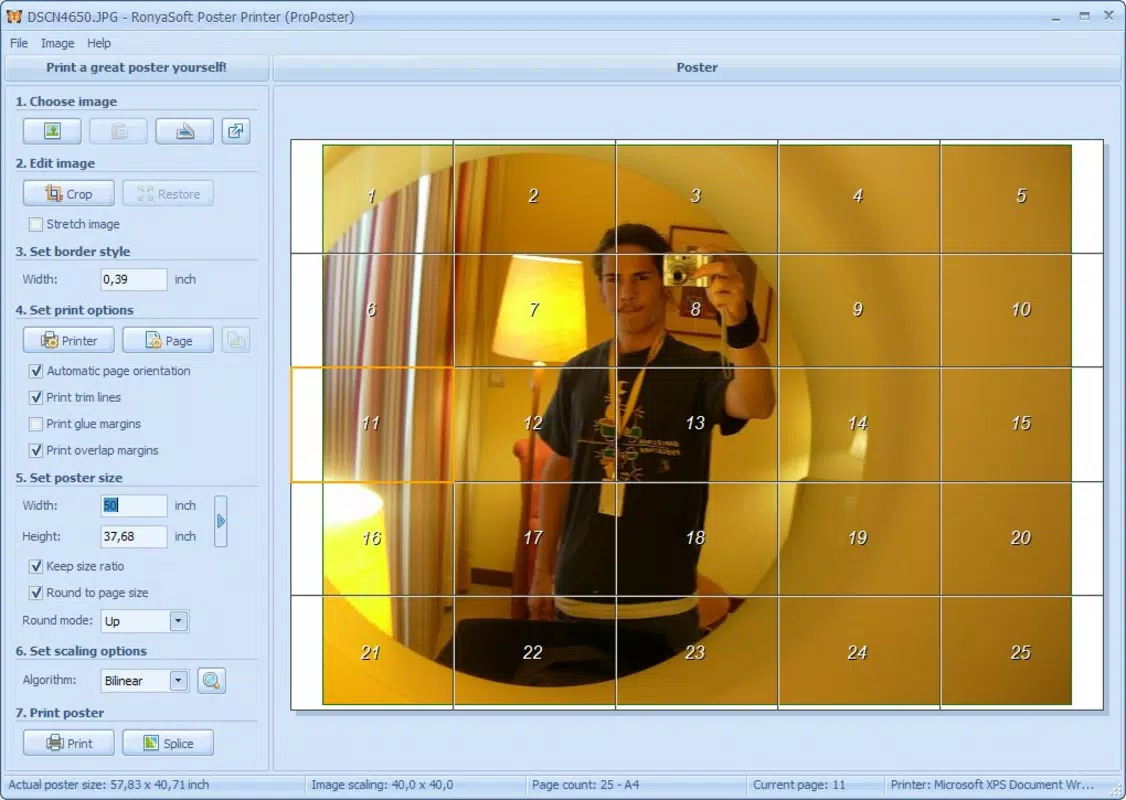
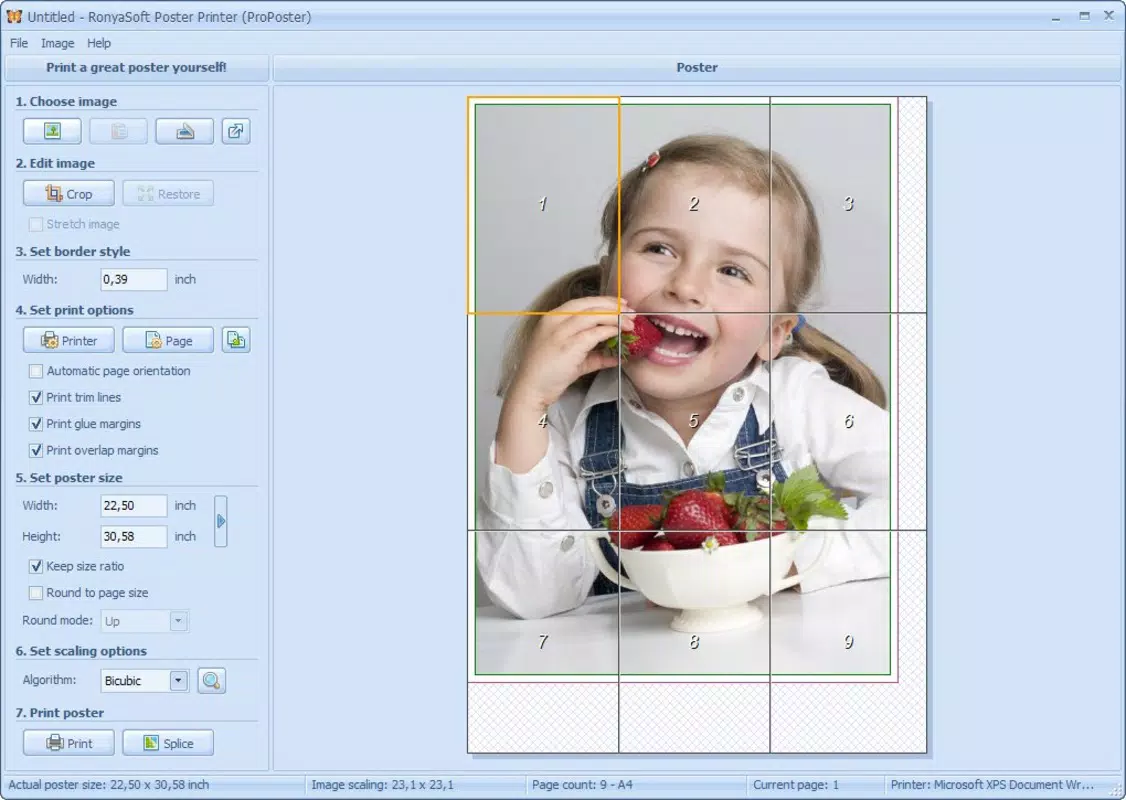
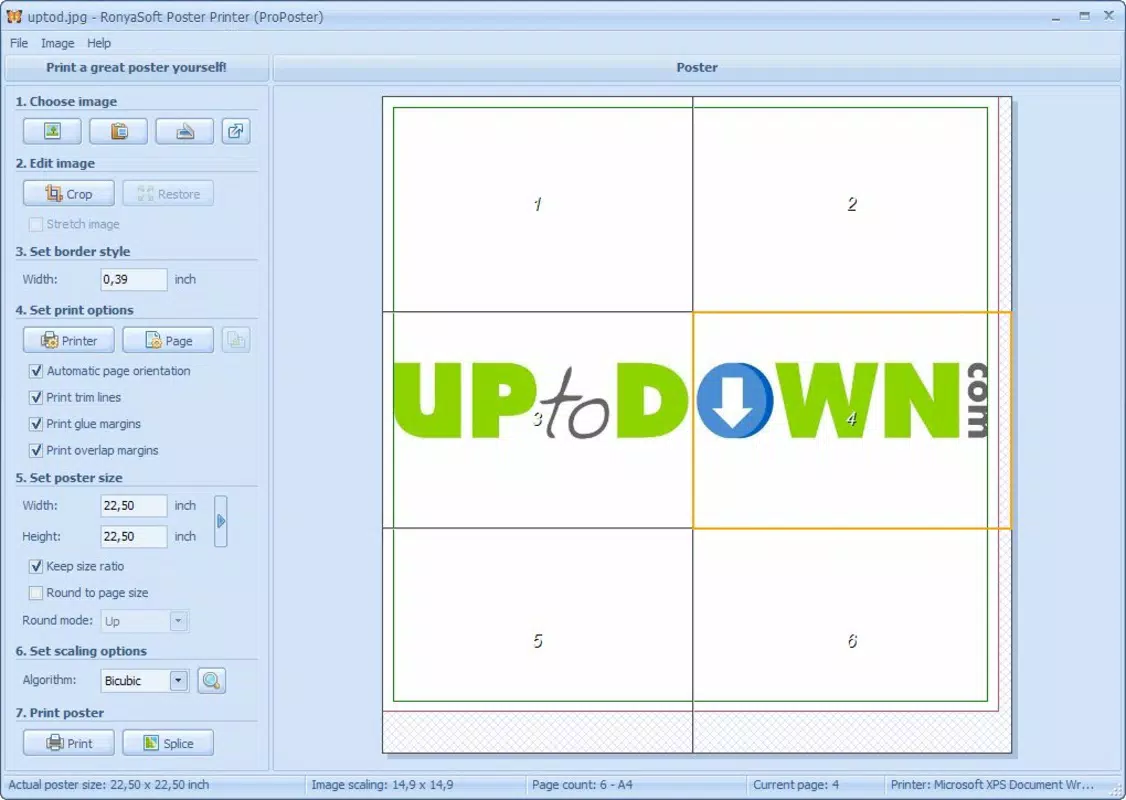
- Preview Functionality: A key strength lies in its real-time preview, which displays how the final poster will appear when assembled across multiple A4 sheets. This visual feedback helps users detect misalignments or cropping issues before printing.
- Flexible Sizing Options: Users can specify the number of A4 sheets to use, supporting configurations from small posters up to extensive layouts using as many as 100 sheets. This scalability accommodates a wide range of project sizes, from personal prints to large murals.
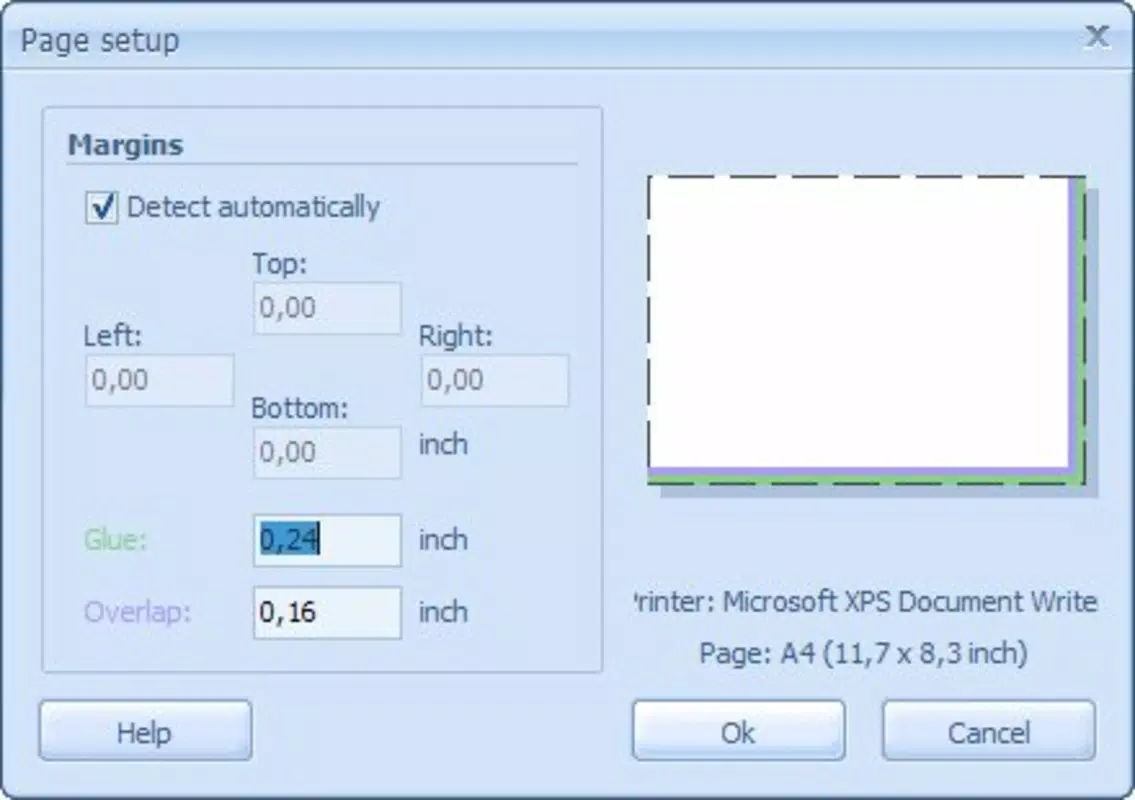
- Customizable Layouts: The app allows users to adjust how images are distributed across sheets—such as grid arrangements or sequential tiling—offering creative control over the final composition.
- Ideal for DIY Projects: By turning digital images into physical prints, Poster Printer empowers users to create unique, personalized displays for homes, classrooms, or events, enhancing both decor and communication.
For example, a teacher could use the app to print a large world map across 16 sheets for classroom use, while an artist might create a 36-sheet mural from a digital painting. The ability to preview and adjust layouts ensures that the final product matches the intended vision.
Interface, UX & Performance
Poster Printer presents a clean, minimal interface focused on core functionality: image upload, layout configuration, and preview. The visual design emphasizes clarity, with labeled buttons and a logical flow from one step to the next. Users can upload images from their device’s gallery or storage, and the app processes them efficiently to generate the multi-sheet layout.
Navigating through the app is straightforward, with a linear workflow that reduces cognitive load. The preview screen is especially well-designed, offering a zoomable, tile-based view of the assembled poster. This helps users verify alignment, spacing, and image integrity before printing.
Although the developer did not list formal performance metrics, the app’s 14.3 MB size suggests it is lightweight and optimized for efficient operation. It is expected to run smoothly on a range of Android devices, including mid-tier and older models. Responsiveness appears consistent, with minimal lag during image processing and layout adjustments. Stability is maintained through a focused feature set, avoiding bloat that can degrade performance.
Platform Compatibility & Technical Requirements
Poster Printer is available exclusively on the Android platform. The current version is 2.0.4, with a file size of 14.3 MB. The app is offered free of charge, making it accessible to a broad user base.
The developer did not specify minimum OS requirements or compatibility details. As such, users should ensure their device supports the latest Android updates to avoid potential installation or runtime issues. Compatibility with specific Android versions or hardware configurations was not disclosed.
Pros and Cons
Pros
- Free to download and use, eliminating cost barriers for users.
- Intuitive interface suitable for users of all experience levels.
- Real-time preview helps prevent errors and ensures accurate output.
- Supports large-scale prints using up to 100 A4 sheets.
- Lightweight app size (14.3 MB) ensures fast installation and low storage usage.
Cons
- Platform availability is limited to Android only.
- Specific OS requirements were not listed.
- No indication of automatic updates or developer support frequency.
- Users must manually assemble printed sheets, which may be time-consuming for large projects.
- Limited customization beyond layout and sheet count.
FAQ
Is Poster Printer safe to download and install?
Yes, the app is available through official Android channels and is free from known malware. It does not require excessive permissions, minimizing security risks.
Can I use Poster Printer on iOS devices?
Currently, the app is only available for Android. There is no official iOS version released by the developer.
How many sheets can I use to print a poster?
The app supports printing across up to 100 A4 sheets, allowing for large-scale poster creation. Users should consider practical limits based on their printing and assembly capabilities.
Do I need a special printer to use this app?
No. The app generates standard A4 print files that can be printed using any home or office printer capable of handling A4 paper.
Is there a limit to the image size I can upload?
The app can process high-resolution images, but performance may vary depending on device memory and storage. Users are advised to avoid extremely large files that may cause processing delays.
Final Thoughts
Poster Printer delivers a focused, effective solution for users who need to create large-format prints from digital images. Its clean interface, real-time preview, and flexible sizing options make it a standout tool in the productivity category. While limited to Android and lacking detailed technical specifications, the app remains a reliable choice for educators, artists, and DIYers seeking an accessible way to produce custom posters.
Its free model and lightweight design further enhance its appeal, offering strong value without compromise. For anyone looking to turn a digital image into a physical statement, Poster Printer provides a straightforward, no-frills path to success.
Download Poster Printer now


